Audience Building
Part of Building an owned audience outside social platforms
Moving followers to a newsletter without repeated hard selling
Invite followers to a newsletter through useful, occasional handoffs that preserve the value of public posts and set an honest email promise.
Finish the useful answer on the social platform, then offer email as an optional next step with a distinct benefit. Put each invitation where it fits, so not every post needs a sign-up pitch.
Give email its own purpose
A newsletter might collect the month’s practical answers, show a worked example in more detail or tell readers when a guide changes. State what it delivers and how often. If the emails simply repeat social posts, give readers a different reason to subscribe or revise the email plan.
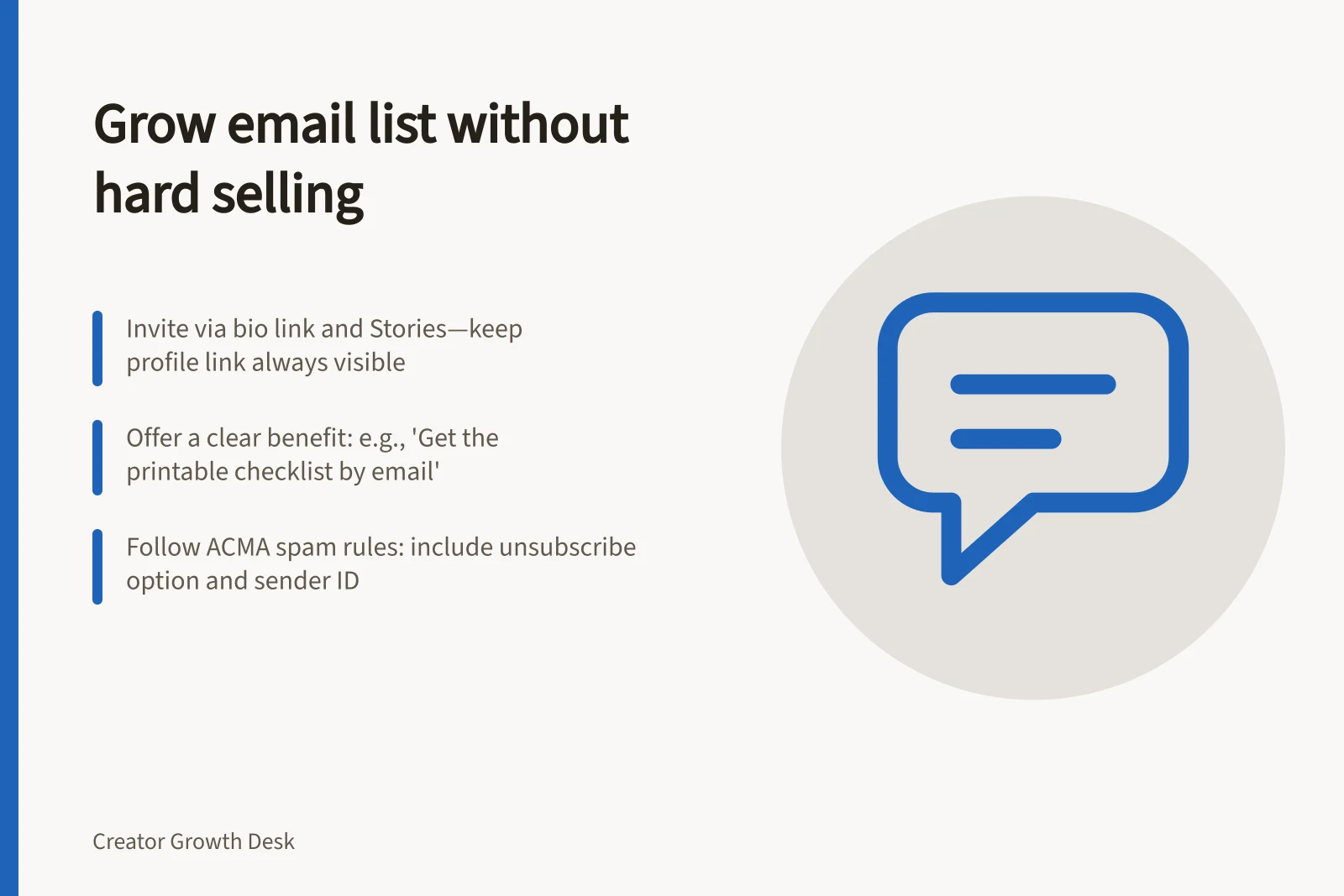
A public tutorial should still stand on its own. Withholding a crucial step only to force a sign-up makes the invitation feel like a condition for getting the answer. After a complete tutorial, an optional invitation might say: “Get the printable setup checklist by email if you want to use these steps at your desk.”
Place invitations where they help
On Instagram, use the link in your bio as the steady signup destination, and point relevant post captions to it or to the signup form. An Instagram Story can direct viewers to that bio link; save a useful invitation Story to Highlights so it remains available after the Story disappears.
Keep the profile invitation available, then add a post invitation only when its email benefit fits the post’s question. A workable cadence is a persistent profile link, context-led post invitations and an occasional reminder showing what a recent issue covered—not a pitch in every post. No universal ratio of invitations to ordinary posts exists, so check that followers still receive complete value in public.
Adapt the wording to what you actually send: Bio: “Practical answers by email; sign up through the link in bio.” Post caption: “This tutorial stands on its own; get the printable setup checklist by email if you want it.” Reply: “I send an email when this guide changes; you can opt in here if you want those updates.”
Let people enter their own address through the form rather than treating comments or direct messages as an email list. In a reply, share the signup form only when it answers the question, and leave the choice with the reader.
Pros and Cons of Using Comments or DMs for Email Signups
- ProsImmediate interaction; easy to collect addresses in real time
- ConsNot compliant with Australian spam laws if used without consent; hard to track or manage; violates ACMA’s requirement for opt-in via a clear, accessible form
Match signup to delivery
Set the bio link or post link to the signup form, and make sure the form identifies the sender, the benefit and a frequency you can meet. The first email should deliver the resource or introduce the continuing format. If your form uses a confirmation step, tell readers to complete it; the exact sequence depends on the service and setup.
Watch for a gap between the invitation and what arrives. For Australian commercial email requirements, check the ACMA guidance on spam and unsubscribe rules. Use your newsletter analytics for detailed response measurement.
Australian Email Compliance Essentials (ACMA)
- Mandatory unsubscribe option
- Must be easy and free to use
- Double opt-in required for commercial emails
- Confirmed via confirmation email
- Clear sender identity
- Include full name and contact details
- No misleading subject lines
- Must reflect actual content