Platform Distribution
Part of Cross-platform distribution for creators
Reworking a long video into platform-native clips
Cut a long video around one useful point, then edit the clip for the destination's viewing conditions.
Cut a long video around one useful point, then edit the clip for the destination's viewing conditions. A vertical crop and a shorter duration are only the beginning; the viewer still needs context, a visible answer and a reason to keep watching. For TikTok, Instagram Reels and YouTube Shorts, make a 9:16 vertical cut from the 16:9 landscape recording, then adapt its hook, pacing and captions for each feed.
Select a complete moment
Mark the problem, demonstration and outcome in the original. If the speaker refers to an earlier explanation, record a new opening or add a concise caption. Keep any condition that changes the claim.
A clip saying “this worked” without the setup that made it work can create the wrong expectation. Cut away unrelated lead-in and pauses, but leave enough time to understand the action and see its result. End once the point is complete rather than mid-thought.
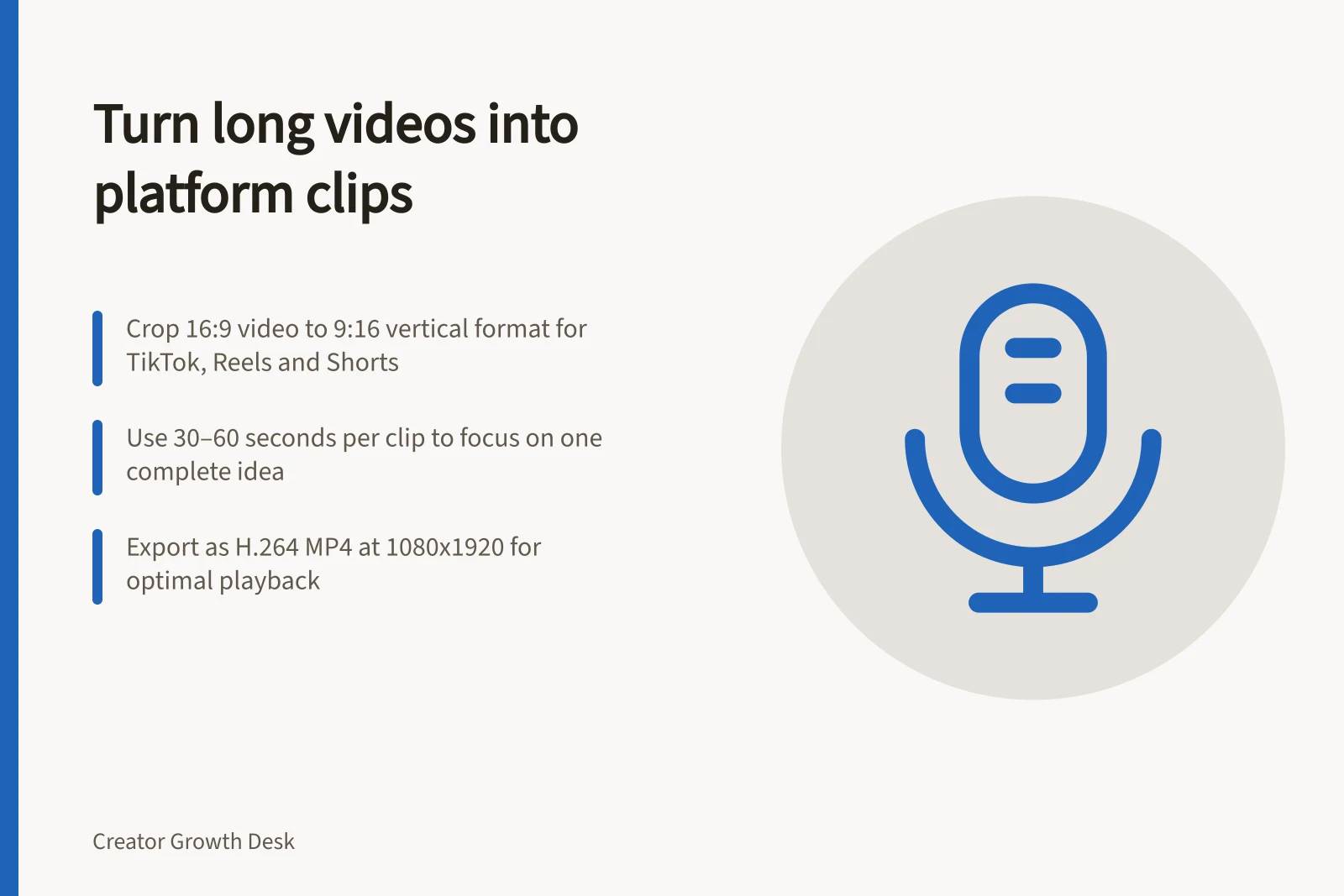
For a short-form cut, use a 30–60-second moment as a practical starting range. Keep it to one complete idea rather than squeezing several explanations into the clip.
Edit for the screen
Reframe so that the relevant action stays visible. Place captions where they do not cover the product, face or controls. Check the opening without sound and make the key point clear on screen.
For TikTok, Instagram Reels and YouTube Shorts, crop the 16:9 landscape video to 9:16 vertical and resize it to 1080x1920. Encode the export as H.264 MP4. Premiere, DaVinci Resolve and FFmpeg can be used for this manual workflow.
In FFmpeg, one example extracts a 45-second clip from the two-minute mark, centre-crops it to 9:16 and scales it to 1080x1920. It encodes video as H.264 and audio as AAC, then saves an MP4 with fast-start metadata.
Make the cut fit its destination: get to the hook quickly for TikTok, keep the visual story compact for Instagram Reels, and use an extended vertical version with captions for YouTube Shorts. For LinkedIn, make a professional cut with subtitles and a thought-leadership point.
Set the clip length around one complete idea: remove repeated explanations and slow gaps, then tighten cuts where the action changes without making the result hard to follow. A 30–60-second cut is a useful short-form range; it is not a stated maximum for each platform.
Watch the final cut in its destination feed, such as TikTok, Instagram Reels or YouTube Shorts. Confirm the title, caption and link point to the intended next step and that music, images and guest appearances are cleared for this use.