Platform Distribution
Part of Growing through searchable creator content
Writing descriptions that help viewers choose the right video
Write video descriptions that state the task and limits early, then help viewers navigate the answer.
A useful video description states what the recording answers, who can use it and which important conditions it does not cover. Put that information first. Use the remaining space to help someone navigate the answer or choose a relevant next step.
How to write an effective video description
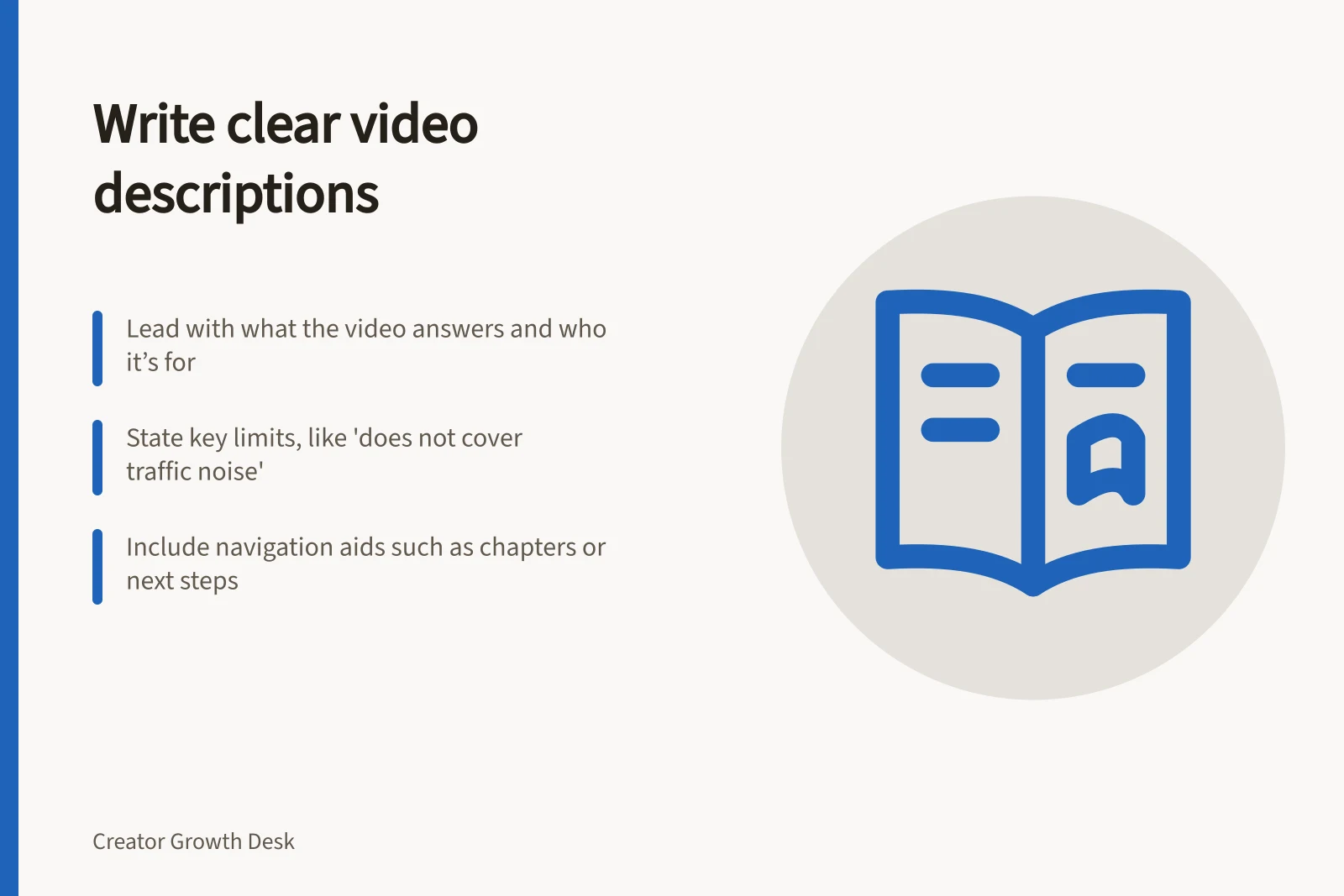
- State the task clearlyBegin with what the video answers, who it's for, and what it doesn't cover.
- Highlight key limitationsMention what the video does not address (e.g., traffic noise removal).
- Add useful details after the clickInclude prerequisites, coverage, navigation (chapters), and next steps.
- Verify claims against the recordingEnsure every claim in the description matches what’s shown in the video.
Lead with the actual answer
Suppose one video demonstrates microphone placement and another compares room treatments. Their descriptions should make that difference clear. For a microphone video, an opening might read: “See how to position a desk microphone for a spoken lesson in a quiet room. This demonstration does not cover removing traffic noise.” The example is hypothetical; its limits must match the recording you publish.
Check how the description appears in search, on the watch page and on mobile devices. The visible amount varies by context, so place the main task and a crucial limit first. A long channel slogan can follow if it is useful at all.
Key facts about YouTube video descriptions
- First line visibilityThe first few lines appear in search, watch pages, and mobile—must include core task and limits.
- Description lengthNo strict limit, but early placement of key information is critical across devices.
- Chapter requirementOnly add chapters if they improve navigation; not suitable for all videos.
Add details that help after the click
Below the opening, include only details that help someone use the video:
- Prerequisites:equipment, software version or starting knowledge needed to follow it.
- Coverage:the steps or decisions shown, especially where similar videos differ.
- Navigation:chapters for a longer video when its sections help viewers reach the relevant part.
- Next step:a related answer or playlist when it genuinely follows this one.
For manually added YouTube chapters, check the current requirements before adding them. A short video without useful sections does not need a chapter list.
Give each video its own description. Name the subject plainly; repeating a phrase does not make the explanation more useful.
Video description checklist
- PrerequisitesList required equipment, software version, or prior knowledge.
- Coverage detailsClarify which steps or decisions are shown and how they differ from similar videos.
- Navigation aidsAdd chapters only if they help viewers jump to relevant sections.
- Next step suggestionLink to a related video or playlist when appropriate.
Pros and cons of including chapters in descriptions
- ProsHelps viewers quickly navigate long videos; improves user experience on mobile and desktop.
- ConsNot needed for short videos without clear sections; can clutter descriptions if overused.
Check every claim against the recording
Read the description while watching the finished video. If it promises a step-by-step method but the recording skips a necessary action, fix the recording or narrow the promise. If it calls a software walkthrough current, check the relevant version. A description can explain a boundary, but it cannot make an outdated central demonstration current.
The title, opening description and video should describe the same task. Let viewers tell whether the recording diagnoses a problem, demonstrates one method or compares options. Where a current video already gives the full answer, a clearer description may help people choose it without another upload.
If the description and the recording do not match, inspect the whole promise rather than assuming one description word caused the traffic.