Publishing Rhythm
Part of Growing through searchable creator content
Updating an old tutorial after its instructions change
Check what changed, choose a clear correction or replacement, and show viewers which tutorial still applies.
When a tutorial's instructions change, identify the affected step before editing its title or description. A small, identifiable error may be explained on the existing video. If the central demonstration no longer works, make a separate tutorial and clearly identify the old video's status.
Verify the change and its effect
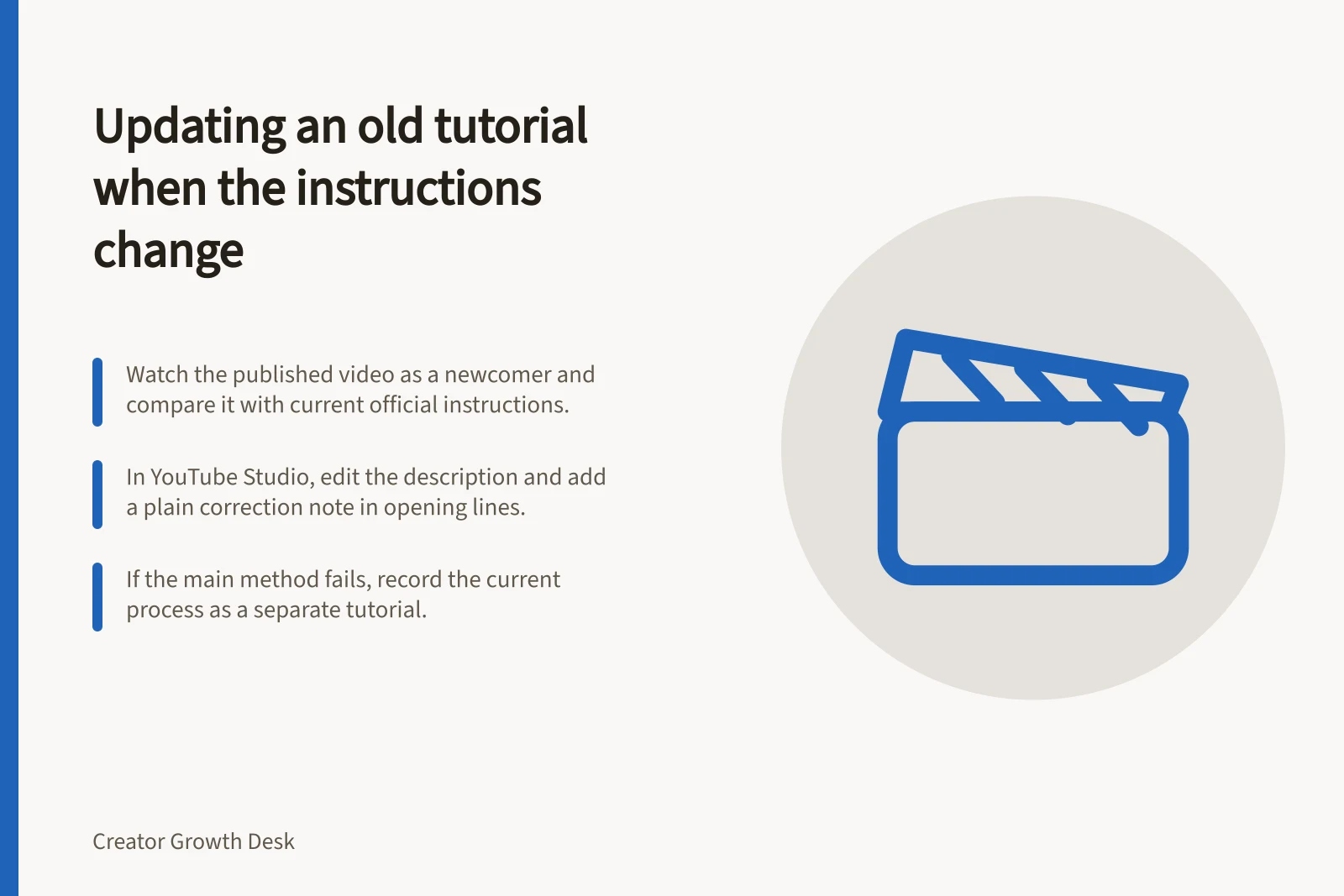
Watch the published video as a newcomer. Note every instruction that relies on the old process, then compare it with current official instructions and the relevant product version. Check what you can in the interface available to you. A change seen on one account, device or region may not apply to every viewer.
| What changed | Editorial response |
|---|---|
| A label or location changed, but the demonstrated method still works | Add a precise, verified correction or note. |
| A step now has different conditions | Explain those conditions where viewers encounter the old claim; consider a new demonstration. |
| The main method is unavailable or misleading | Stop presenting the old video as a current tutorial and prepare a replacement. |
These are editorial choices, not YouTube rules. Record what you checked and when. If the old method still works for a named version, preserve that boundary.
Match the change to the editorial response
- A label or location changed, but the demonstrated method still worksAdd a precise, verified correction or note.
- A step now has different conditionsExplain those conditions where viewers meet the old claim; consider a new demonstration.
- The main method is unavailable or misleadingStop presenting the old video as a current tutorial and prepare a replacement.
Choose a correction or a replacement
Correct the existing video when the error is small and identifiable, and the rest of the demonstration still applies. In YouTube Studio, use the video's settings to edit its description and put a plain correction note in the opening lines, before viewers follow the old steps.
A description cannot change footage showing a different procedure. If the main method fails, record the current process as a separate tutorial and direct viewers from the old video to the new answer.
Treat replacement as a new demonstration, not a change to the old footage. Do not give the old video a title that implies it shows the new method.
Correct in place or record a replacement
- Correct the existing videoUse when the error is small and identifiable and the rest of the demonstration still applies. Edit the description in YouTube Studio and put a plain correction note in the opening lines, before viewers follow the old steps.
- Record a replacementUse when the main method fails. Record the current process as a separate tutorial and direct viewers from the old video to the new answer. Treat it as a new demonstration, not a change to the old footage.
Follow the path a viewer may take
Check the old title, description opening, chapters, on-screen claims and any playlist entry pointing to the tutorial. Make their status consistent. In the replacement, state the product version or condition that matters.
Then review the path from the old search result and watch page to the correction and replacement. A viewer may still encounter the old result, so the notice on the existing video matters.
Set another review trigger if the process changes often. A useful update lets someone arriving at either video tell which instructions apply. “Updated video available” alone does not explain what changed.
Surfaces to check so the old and new tutorials agree
- Old video title
- Opening lines of the description
- Chapters
- On-screen claims
- Playlist entries pointing to the tutorial
- Path from the old search result and watch page to the correction or replacement
- Product version or condition stated in the replacement
- Next review trigger if the process changes often