Audience Building
Part of Growing through searchable creator content
Grouping searchable content into a clear series
Organise searchable videos into a useful series with complete answers, clear titles and a sensible viewing route.
Group searchable videos when they answer different decisions in one viewer journey. Each video should give a complete answer, with the series pointing to a relevant next one. The grouping should help viewers find their place without starting at episode one.
Check that the questions belong together
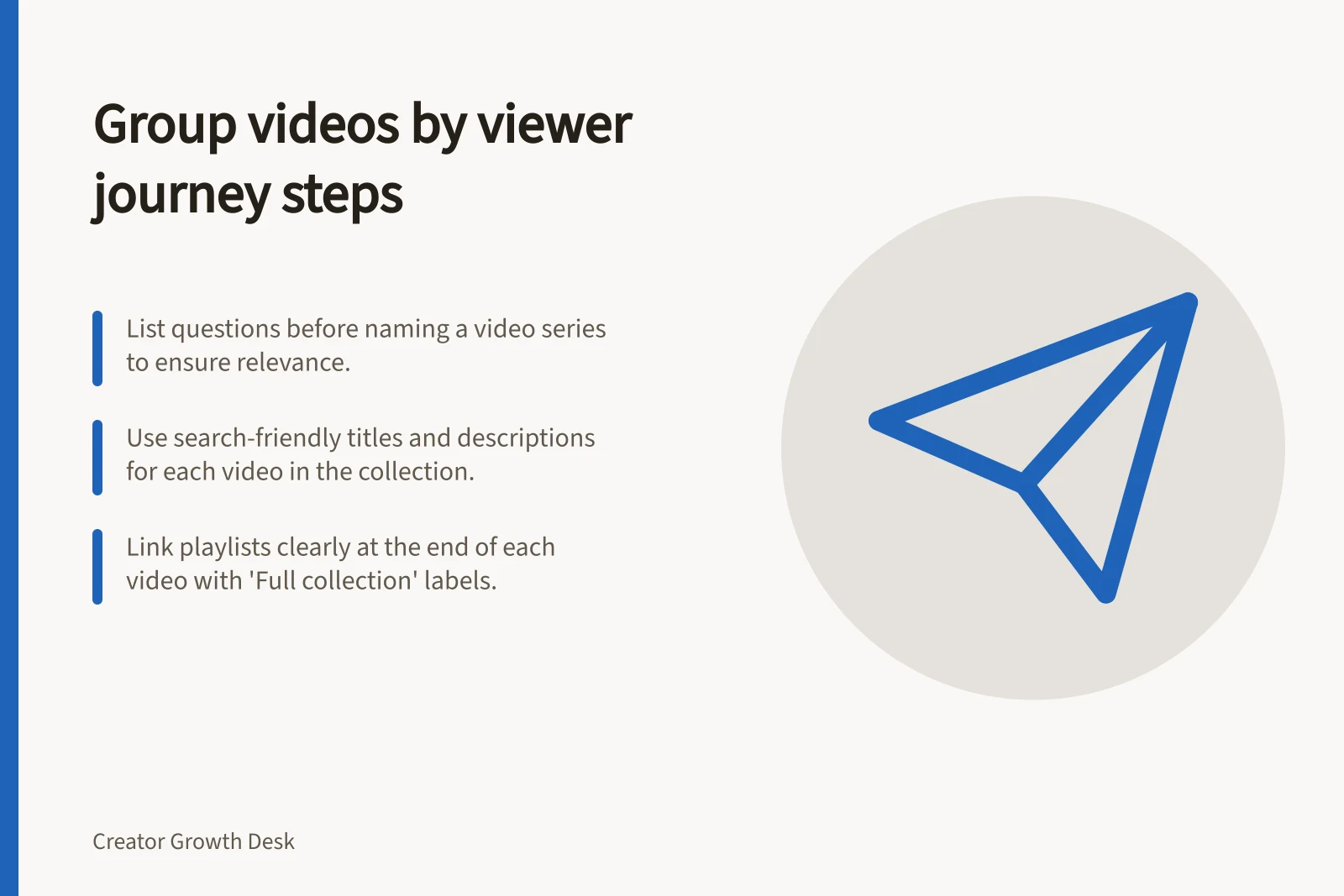
List the questions before naming the collection. For a home voice-recording creator, they might be: “Which room should I use?”, “Where should I place the microphone?” and “How do I check the first recording?”
A second route could cover YouTube playlist setup: “How do I create a playlist?”, “How do I add videos?” and “How should I order them?” Each question can stand alone, while the collection gives viewers a useful route through the task.
Write down the phrases a viewer might search for each question, then use them naturally in distinct video titles. YouTube search can match playlist titles and descriptions against queries, so use relevant terms in those fields too.
Check whether someone can find each video by its own question and get an answer without an earlier instalment. Ask whether the same person would reasonably need another answer in the collection, and whether the next video resolves a new decision.
Stop when the journey is covered. An unrelated upload need not carry the series label.
Name the route and its stops
A collection title such as “Clear speech at home” can describe the wider job. Give each video a more specific title, such as “Where to place a desk microphone for spoken lessons”. When an intended order helps, place numbering after the task.
For a business channel, “YouTube SEO for Business Channels” is an example of a playlist title that matches a query. Keep each video title specific to the separate question it answers.
Write a short playlist description that says who the collection helps, which decisions it covers and where to start. Order videos by the viewer’s task when sequence matters, but let someone arriving through search jump straight to the relevant answer.
In YouTube Studio, open Playlists in the left sidebar and choose “New Playlist”. Enter the title and description, choose public, unlisted or private visibility, then save.
Add videos from the playlist page or from an individual video’s options menu. Arrange them in the order that makes sense for the viewer’s journey; playlist order determines the autoplay sequence.
Public and unlisted playlists can be shared by link. Use the playlist’s URL in relevant video descriptions with a clear label, such as “Full collection: Clear speech at home”.
YouTube’s series playlist feature marks a playlist as an official set. On a computer, enable the setting in playlist settings; the account must be verified, and the playlist can contain only your own uploaded videos for which you have the rights.
A video can belong to only one official series playlist, though it can appear in other ordinary playlists. The series setting is optional and does not guarantee that viewers arriving through search will start at the first video or watch in order.
YouTube may use the official series information to change how videos are presented or discovered, or to feature and recommend other videos from the playlist while someone watches a series video. That is not a guarantee of what viewers will be shown.
Make the path useful from any entry point
At the end of a video, name another decision only after completing the current answer. In the description, identify the related answer or playlist plainly and link the playlist URL with a label such as “Full collection”.
State a genuine prerequisite briefly, and show where to find it. Check that any promised next video exists and still covers the stated question.
Review the collection as a viewer. Check whether the titles distinguish the answers and whether any intermediate step is easy to find.