Audience Building
Community habits that support creator growth
Build useful creator discussions with clear invitations, thoughtful replies, open recognition and manageable moderation.
Give people a useful reason to speak, respond to what they contribute, and protect their ability to take part. These habits can support a creator community, but they do not guarantee follower growth. A busy comment section is not necessarily a healthy one.
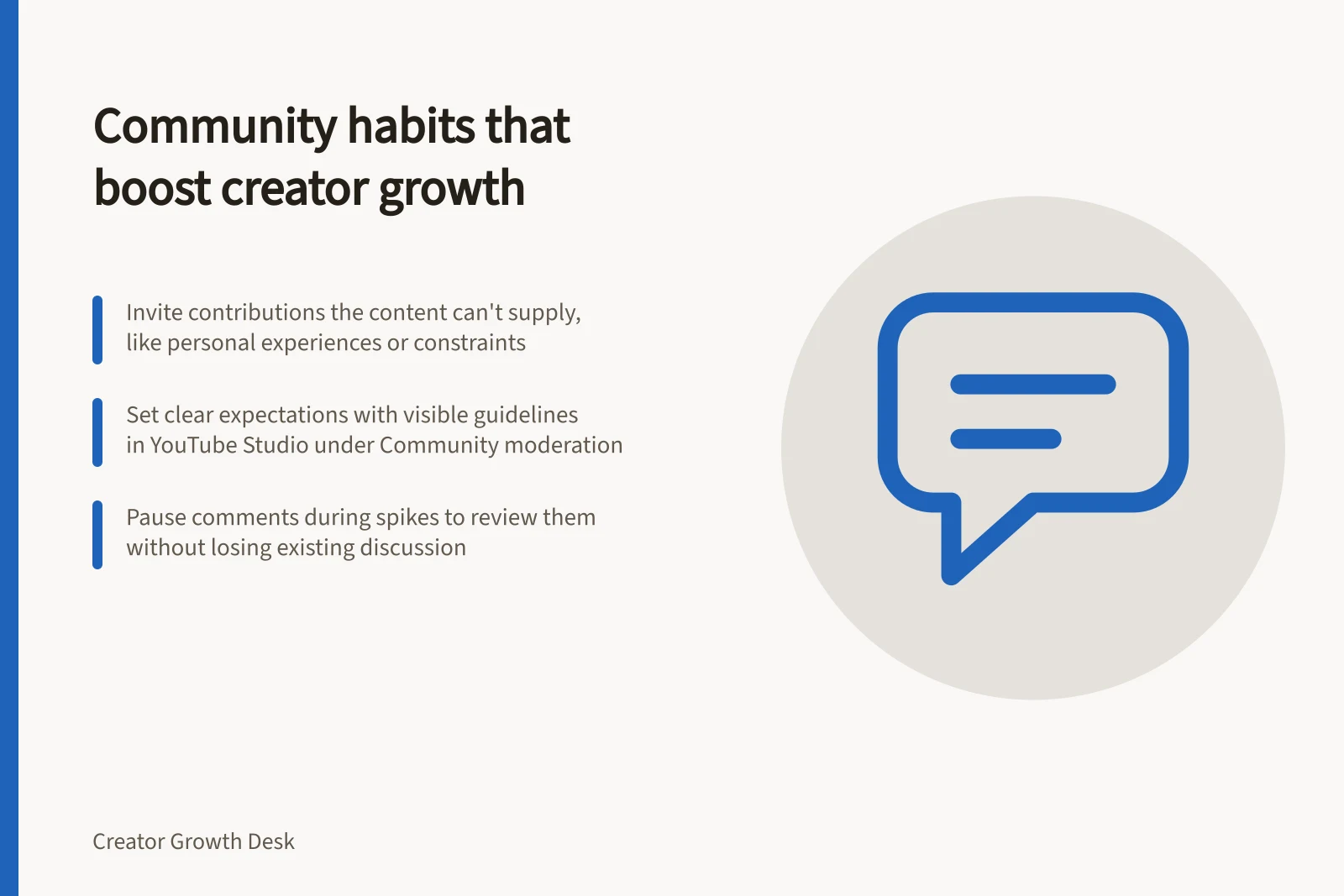
Invite a contribution the content cannot supply
Answer fully before asking for a reply. Then invite a constraint, experience or question that could add to the discussion. After a home-recording demonstration, for example, a creator might ask which sound is hardest to control in the viewer’s room. Someone can answer without praising the video or sharing private details.
Read replies for substance. A specific question may reveal an unclear step; a disagreement may identify a condition the demonstration did not cover. Commenters choose to speak, so their responses are clues about some viewers, not a vote from the whole audience.
YouTube suggests asking subscribers direct questions through videos or posts, not only in the comment section. Comments and polls can help the audience feel more invested in the content. A shared mission or passion can help unite a community.
Know where a comment can be seen
Comments on public videos are public and anyone can reply. On an unlisted video, comments can be seen by anyone with the link. Private videos do not have comments.
Public vs. unlisted vs. private videos: comment visibility
- Public video
- Comments visible to anyone; anyone can reply
- Unlisted video
- Comments visible only to those with the link
- Private video
- No comments allowed
Make the standard visible
Your replies show how people can participate. Thank someone for a useful correction, answer a direct question when you can and acknowledge a limit when you cannot. Address a disputed point without attacking the person who raised it.
A short expectation such as “Questions and different approaches are welcome; personal attacks and spam are not” gives newcomers a starting point. On YouTube, channel guidelines can communicate that expectation to viewers on mobile, but they do not automatically remove comments. Check the controls available on your account before relying on them.
In YouTube Studio, channel guidelines sit under Settings, Community moderation. You can add a welcome message and up to three guidelines. YouTube's examples include 'Be civil and respectful', 'Stick to the topic', 'Questions welcome', 'No self-promotion or spam' and 'Challenge the argument, not the person'.
Choose how comments are held
At video level, YouTube comments can be On, Paused or Off. When they are On, you can hold comments for review, block words and limit commenting to subscribers and paid members. Review the available comment settings for that video before relying on them.
YouTube comment management features
- Comment availability options
- On / Paused / Off
- Moderation tools available
- Hold for review, block words, limit to subscribers/paid members
- Heart comments on Posts tab
- Available on YouTube Posts; commenter receives notification if enabled
Make recognition open to everyone
Thank people for what they added, whether they are familiar names or first-time commenters. A helpful example or careful correction deserves attention on its merits. If the same people are always highlighted, newcomers may struggle to see where they fit.
YouTube creators can reply to and heart comments. They can also pin a comment if the channel has access to advanced features. A pin draws attention to a comment; it does not make its author an authority. Revisit a pinned answer if its information changes.
A heart can be added to comments on the Posts tab, not only under a video. The commenter sees your avatar with a small red heart and may receive a notification that the channel owner 'loves your comment', depending on their notification settings. Pinning requires access to advanced features, which may take up to 24 hours to appear after they are turned on.
Build traditions and a shared language
YouTube recommends traditions such as quirky phrases, fanbase nicknames and inside jokes to help foster a strong subscriber community. Think about ways your audience can help your channel's culture, moving from watching your creator journey to becoming part of it. These traditions give people a way to take part that does not depend on a single comment thread.
Protect the discussion
Decide what calls for a reply, removal, report or pause. Keep criticism of the work separate from attacks on people. If you use automated review, inspect held comments when you can. Give anyone helping with moderation the same decision rules and a way to escalate uncertain cases.
For serious abuse, collect relevant evidence before it disappears. Report the material to the platform.
Periodically read a thread as a newcomer. Can someone ask a basic question, offer a different view and understand the replies? Adjust the invitation or moderation routine if participation has become difficult.
Pause a thread before closing it
YouTube describes pausing comments as useful when a video has a sudden increase in comments and you need time to review them. Pausing keeps the existing comments and stops new ones until you turn comments back on. Turning comments off prevents new comments and shows viewers that comments are turned off.
In this guide
- Setting a useful tone in a creator comment sectionSet clear comment expectations, model useful replies and make room for newcomers and fair disagreement.
- Choosing questions that lead to real audience repliesChoose audience questions that invite specific experiences, constraints and useful follow-up instead of empty engagement.
- Managing moderation as a creator audience growsBuild a manageable comment moderation routine, use YouTube controls carefully and escalate serious abuse appropriately.
- Recognising regular contributors without creating cliquesThank regular contributors for useful work while keeping creator discussions understandable and welcoming to newcomers.