
Retention
Reading where viewers leave a video
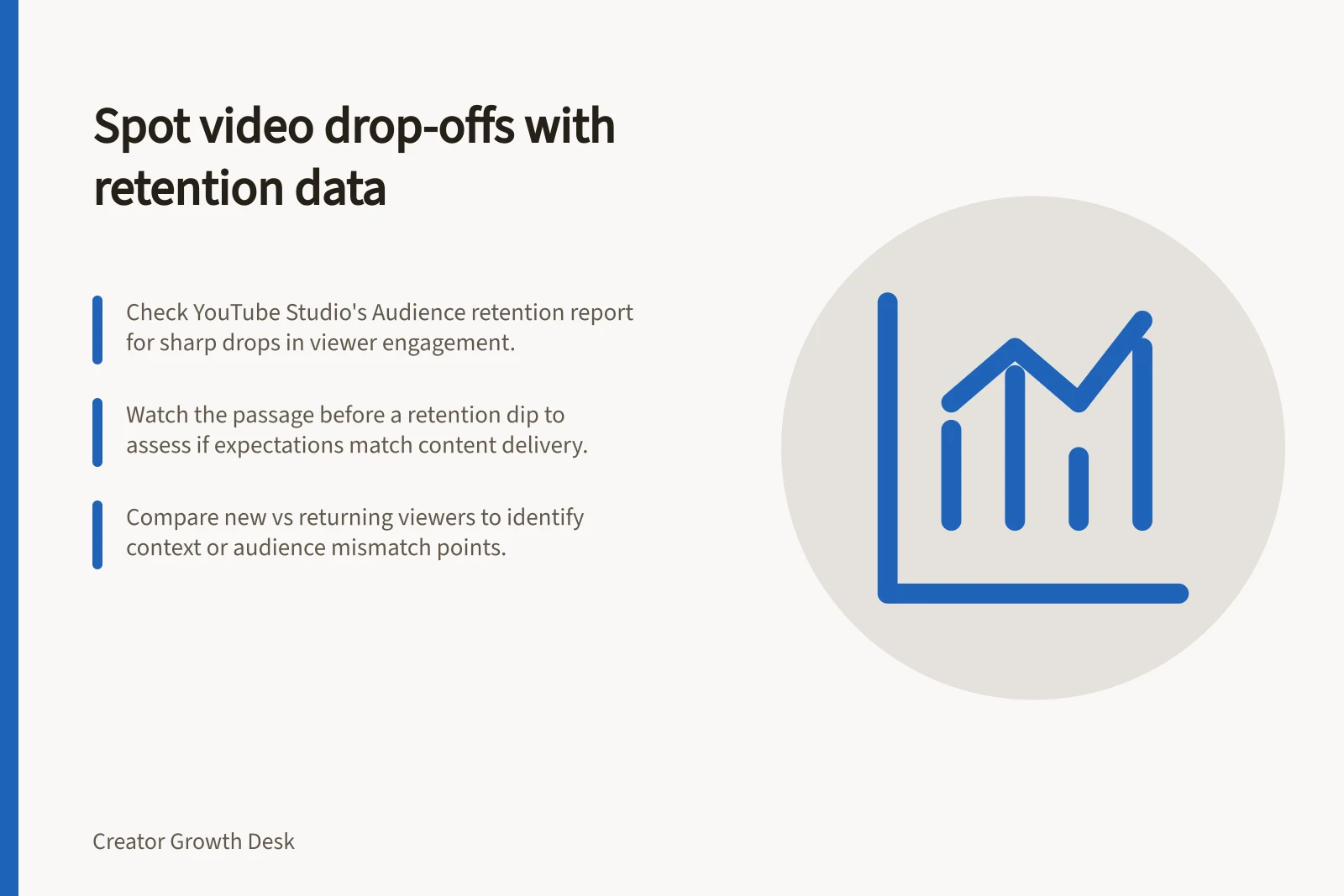
Find a video retention dip, inspect the passage and choose a useful edit without assuming the chart explains why viewers left.
Find a noticeable drop, watch that passage in the finished video, and check what a viewer was promised by then. A retention dip shows that people skipped or stopped at that point. It does not say which happened to a particular person or why.
Locate the change
In YouTube Studio, open the video's Analytics and find Audience retention under Overview or Engagement. The report covers an individual video.
Read the curve from left to right. A gradual taper differs from a sharp change at an edit. A spike can reflect replay or sharing; replay may mean viewers needed to see an explanation again.
Key Moments in Video Retention Analysis
- 1. Access YouTube Studio AnalyticsNavigate to the video's Analytics section under 'Overview' or 'Engagement'
- 2. Identify retention curve changesRead the curve from left to right; look for sharp drops or gradual tapers
- 3. Watch passage around timestamp of dropPlay video just before the dip and assess expectations, context, and delivery
- 4. Compare viewer segmentsCheck differences between new vs returning viewers or subscribers vs non-subscribers
- 5. Test one edit changeRecord timestamp and experiment with a single adjustment in next video
Watch the passage around the timestamp
Play from shortly before the change and ask:
- What did the title and opening lead someone to expect?
- What action, claim or topic starts here?
- Is there enough context to follow it?
- Has the promised answer already been delivered?
Suppose a repair tutorial drops where it shifts from the repair to an equipment aside. The aside may have interrupted the task, or some viewers may already have what they needed.
Where the report offers viewer segments, compare new with returning viewers or subscribers with non-subscribers. A difference can suggest a question about context or audience expectations; it does not prove that one edit caused the departure. Promotion and traffic sources may also affect who watched.
New vs Returning Viewers: Engagement Differences
- New Viewers
- May leave earlier if context is unclear or promises aren’t met quickly
- Returning Viewers
- More likely to stay through complex content but may skip repeats
Questions to Ask When Analyzing a Retention Dip
- What did the title and opening promise?Ensure alignment between promise and content delivered
- What action, claim or topic starts here?Assess whether it’s clearly introduced and justified
- Is there enough context to follow?Avoid assumptions; provide necessary background
- Has the promised answer already been delivered?Avoid redundant content after resolution
Choose a relevant edit
A drop before the demonstration suggests checking the opening's length. A drop when a term first appears suggests explaining it there. A decline after the answer suggests trimming an unnecessary ending.
Comments about the passage may help, though they represent only the people who chose to comment. Record the timestamp, competing explanations and one change to try in a future video.
Compare similar videos after a similar time live. If the data is sparse, keep the conclusion provisional.
Video Retention Best Practices by Platform
- YouTube
- Use Audience Retention report to track drop points; trim unnecessary endings
- TikTok
- Monitor retention curves for abrupt dips post-intro; optimise hook timing
- Instagram Reels
- Watch for drops during transitions; ensure continuity in storytelling

![Check if packaging reaches your intended audience: This piece is for [person in a situation] who needs [decision] and delivers [answer].; Compare the routes into the video before interpreting a rate.; If the title or image suggests the wrong task, make that element more exact. Checking whether packaging attracts the intended audience](/covers/checking-whether-packaging-attracts-the-intended-audience-640.webp?v=114adaa3)
